TopHat2 Tutorial: Splice-Aware Mapping for RNA-Seq
📖 RNA-Seq Data Analysis Workflow — check it out for an overview.
Introduction
When quantifying gene expression from sequencing data obtained through RNA-Seq, a mapping step is typically performed. Mapping is the process of aligning read sequences (FASTQ files) to their corresponding positions on a reference sequence. Popular mapping tools used in RNA-Seq include HISAT2, STAR, and Bowtie2. This page explains how to use TopHat2.
Please note that TopHat2 is an older tool, so using HISAT2 or STAR is generally recommended instead.
For an overview of the entire RNA-Seq data analysis workflow, please see this page.
Installation
TopHat2 requires a Bowtie2 index. If you install TopHat2 via Conda, Bowtie2 will be installed automatically along with it.
Let's display the Bowtie2 help message to verify the installation.
If you see output similar to the following, the installation was successful.
Next, let's display the TopHat2 help message.
If you see output similar to the following, TopHat2 is ready to use.
Building the Index
First, build an index of the reference sequence using the following command. Here we use Bowtie2.
genome.fa is the FASTA file of the reference sequence you want to map to. Gzip-compressed files can also be used.
This operation creates six files: genome.1.bt2 through genome.4.bt2, along with genome.rev.1.bt2 and genome.rev.2.bt2. Index files are essential for fast sequence searching and must be built beforehand for virtually all mapping tools, not just Bowtie2.
Mapping
Now, let's map the read sequences to the reference sequence. Here we use TopHat2.
This operation produces a BAM file named accepted_hits.bam in the output directory.
Visualizing the results in a genome browser such as IGV, you can confirm how the reads were mapped, as shown below.

RNA-Seq Data Analysis Software
This is an RNA-Seq Data Analysis Software recommended for those who:
✔︎ Seeking to avoid outsourcing or collaboration for RNA-Seq data analysis.
✔︎ Lacking time to learn RNA-Seq data analysis.
✔︎ Frustrated by the complexity of existing tools.
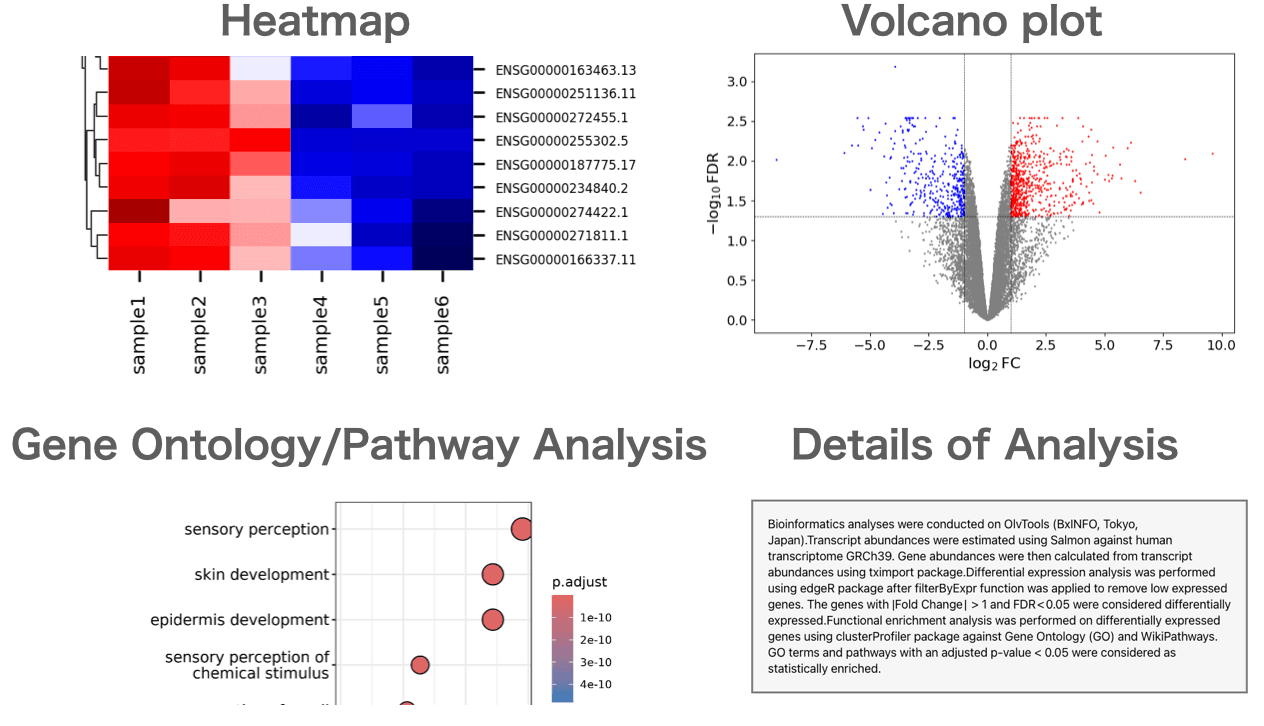
Users can perform gene expression quantification, identification of differentially expressed genes, gene ontology(GO) analysis, pathway analysis, as well as drawing volcano plots, MA plots, and heatmaps.
About the Author


BxINFO LLC
A research support company specializing in bioinformatics.
We provide tools and information to support life science research, with a focus on RNA-Seq analysis.