Ballgown Tutorial: Differential Expression Analysis in R
Introduction
When performing RNA-Seq analysis with a next-generation sequencer, you obtain raw data in the form of FASTQ files. After mapping these reads to a reference genome, gene expression levels are quantified by counting the reads that align to each gene. Differentially expressed genes (DEGs) are then detected by comparing expression levels across multiple samples between groups.
This page explains how to use Ballgown, a tool for detecting differentially expressed genes. For an overview of the complete RNA-Seq analysis workflow, please refer to this page.
Installation
First, if R is not yet installed on your system, install it with the following command:
Launch R and run the following commands:
If the following command runs without errors, the installation was successful:
Note: in my environment, the installation initially failed with the following error:
This appeared to be caused by a conflict with conda.
After deactivating conda and retrying the installation, Ballgown installed successfully.
Preparing the Data
Use StringTie to generate the expression quantification data that Ballgown will import. For detailed instructions, see the StringTie tutorial.
After completing the StringTie analysis, the output directory will have the following structure. While GTF files are included, Ballgown only uses the *.ctab files.
Loading the Data
Run the following command to load the data into Ballgown:
Use dataDir to specify the directory containing the results, and samplePattern to provide a regular expression that matches the sample folder names.
Display transcript-level FPKM values:
Display gene-level FPKM values:
Extracting Differentially Expressed Genes
In this example, we compare two groups. Add group labels as follows:
Run the statistical test:
Sort the results by p-value to see the most significant hits:
The output will look like this:
RNA-Seq Data Analysis Software
This is an RNA-Seq Data Analysis Software recommended for those who:
✔︎ Seeking to avoid outsourcing or collaboration for RNA-Seq data analysis.
✔︎ Lacking time to learn RNA-Seq data analysis.
✔︎ Frustrated by the complexity of existing tools.
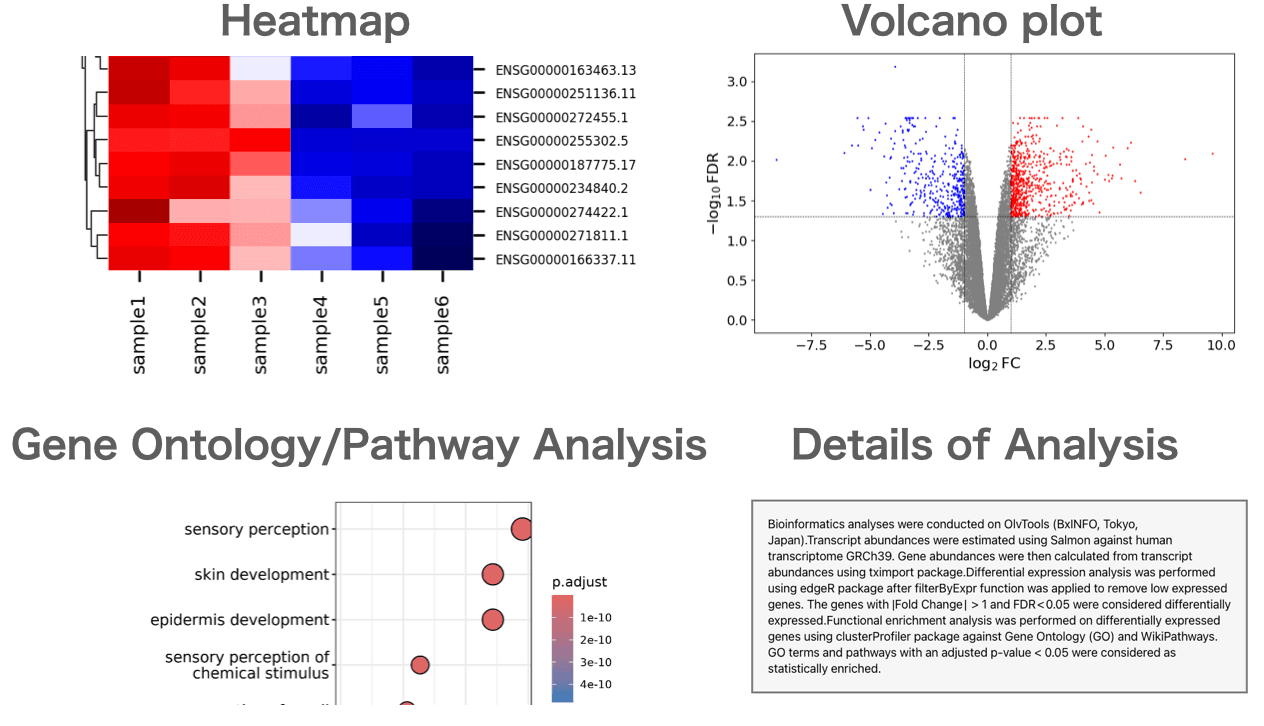
Users can perform gene expression quantification, identification of differentially expressed genes, gene ontology(GO) analysis, pathway analysis, as well as drawing volcano plots, MA plots, and heatmaps.
About the Author


BxINFO LLC
A research support company specializing in bioinformatics.
We provide tools and information to support life science research, with a focus on RNA-Seq analysis.